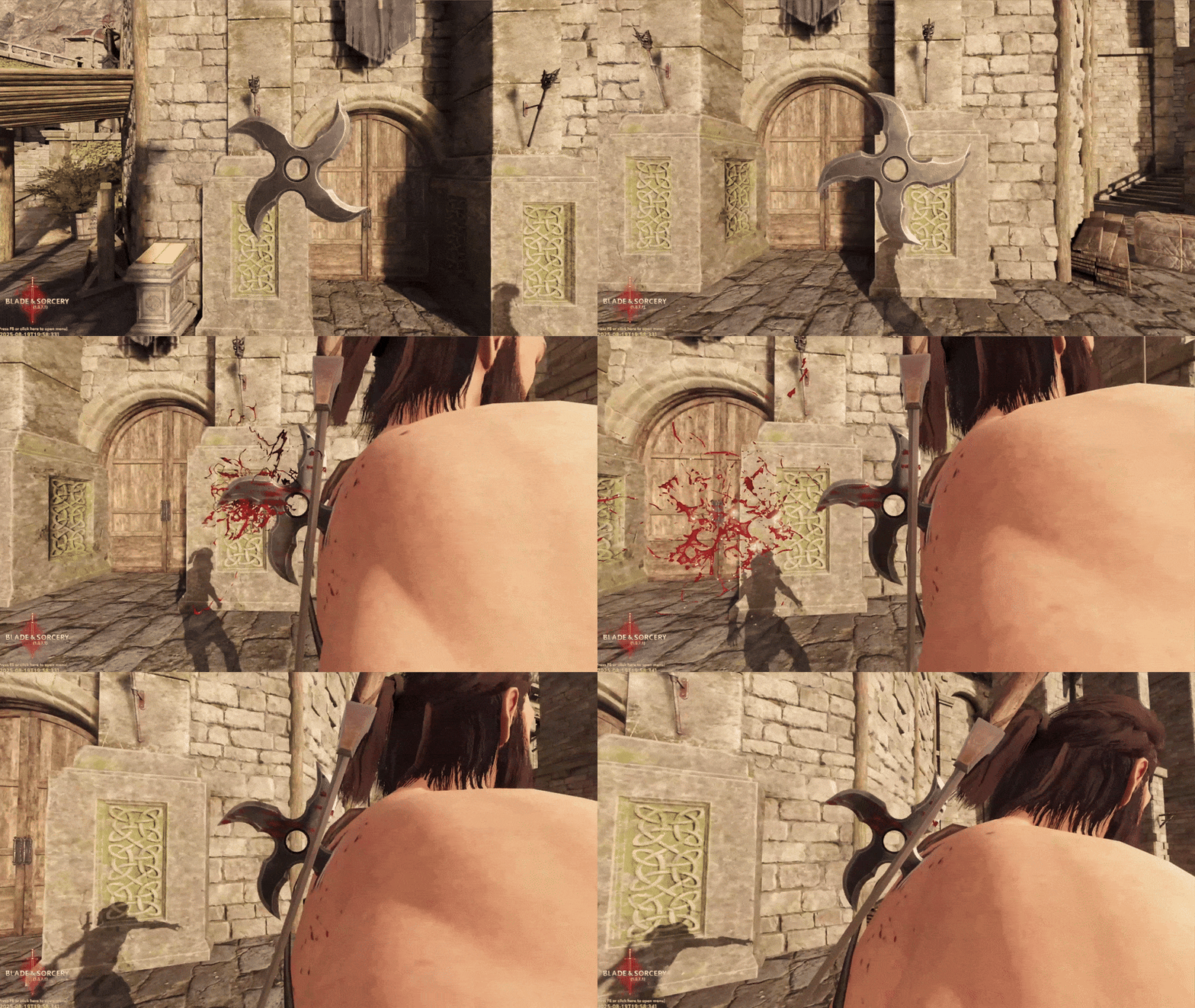
Throw Spinner
The ThrowSpinner component can be used to rotate items as they fly, its primary use is with the Shuriken item from the Rakta update.
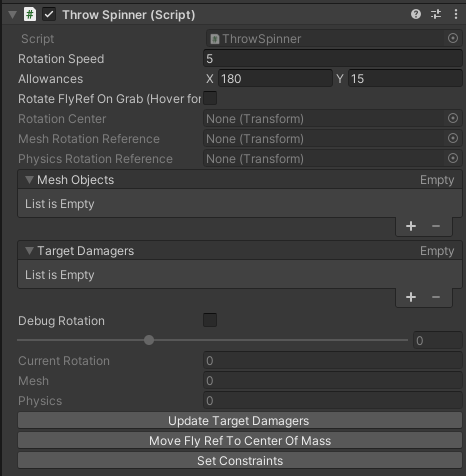
Component Properties
| Field | Description |
|---|---|
| Rotation Speed | The speed at which the item rotates whilst flying. |
| Allowances | Allowances define how far ahead in degrees the physics components can be of the mesh, and how far behind they can be. |
| Rotate Fly Dir Ref On Grab | Rotating the FlyRef on grab requires the rotation of all handles on the item to match the default rotation of the FlyRef. When grabbed, the FlyRef automatically rotates to match the rotation of the handle relative to the default hand orientations on that handle. |
| Mesh Objects | A list of meshes to rotate whilst flying. |
| Target Damagers | A list of damagers this item controls whilst flying. |
Setup
- The
ThrowSpinnercomponent must be attached to your Item component! It cannot be a child/parent of it - Make sure your item has a dedicated Fly Dir Ref transform set. (See Component Properties)
- Move the Fly Dir Ref to the center of mass using the button on your
ThrowSpinnercomponent - Press Update Target Damagers
- Add the meshes you want to spin to the
Mesh Objectslist - Press Set Constraints
- Make the “Rotation Center” GameObject as a child of the fly dir ref, then set the position/rotation of the fly dir ref to
(x0, y0, z0)(this should make it fly better) - You can tweak the allowances and check the physics component snapping relative to mesh rotation and tweak the allowances up/down until you find a good combination of settings.
Weapons like axes probably don’t want the default settings of 180/15, but maybe something closer to 90/50. Allowances define how far ahead (the x value) in degrees the physics components can be of the mesh, and how far behind (the y value) they can be. For something like the shuriken, the settings are 90/15 since there are piercing components on all sides of the mesh.